YOUR CUSTOM BOX
From idea to order.
Made simple.
Choose a box, set the details and see it in 3D. Add a fitted insert if your product needs one.
How it works
Four clear steps. You can order the box on its own, too.
Choose your box
Pick the structure that suits your product. Open a studio below to start configuring it.
Make it yours
Enter the inside dimensions, choose papers and finishes, then set the quantity. Upload your artwork if it is ready.
Add a fitted insert
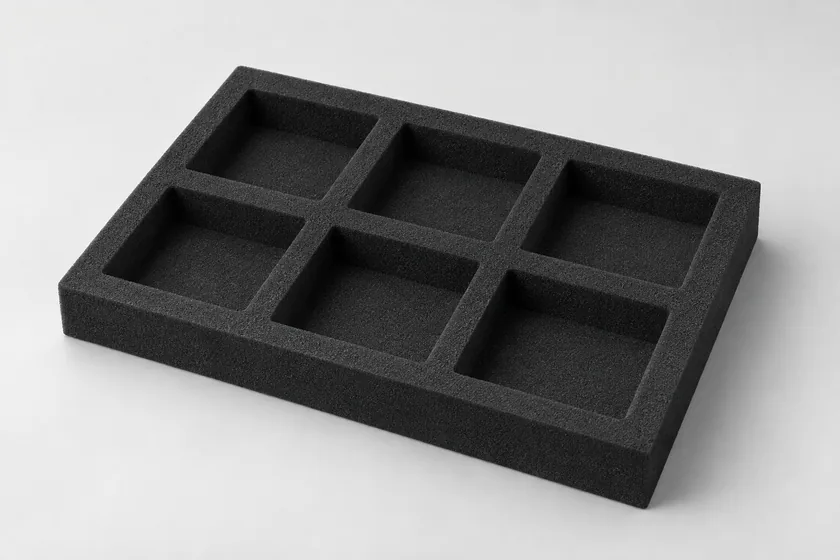
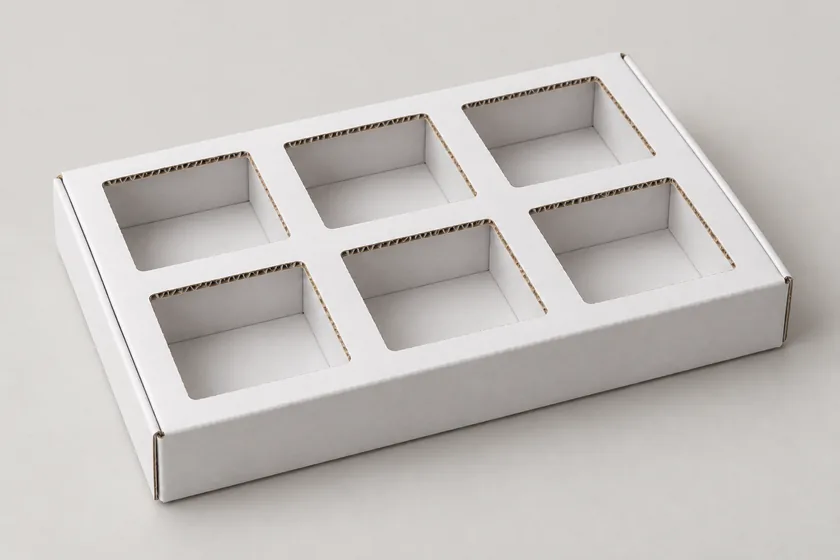
Choose shaped foam for protection or shaped cardboard for presentation. Its size follows your box.
Review and finish
Rotate the complete 3D view to check the box and insert together. Then add to cart or request a quote.
What happens next?
Box only
Add your configured box to the cart and complete checkout.
Box + foam
See the set price and add the box and insert to the cart together.
Box + cardboard
Request a custom quote with the box and insert details already attached.