
Write a brief that people can use
A useful brief describes what you need to pack and how it will be used, without requiring every finish at the outset. Gather the project name, products, complete dimensions, desired quantity, destination and target date. Add component photographs and flag any parts of the set that might still change.
When comparing alternatives, keep the contents and quantity the same. State whether you want a production order, a sample or a quotation. These are different stages, with conditions to read in the proposal.
Choose a structure and check the contents
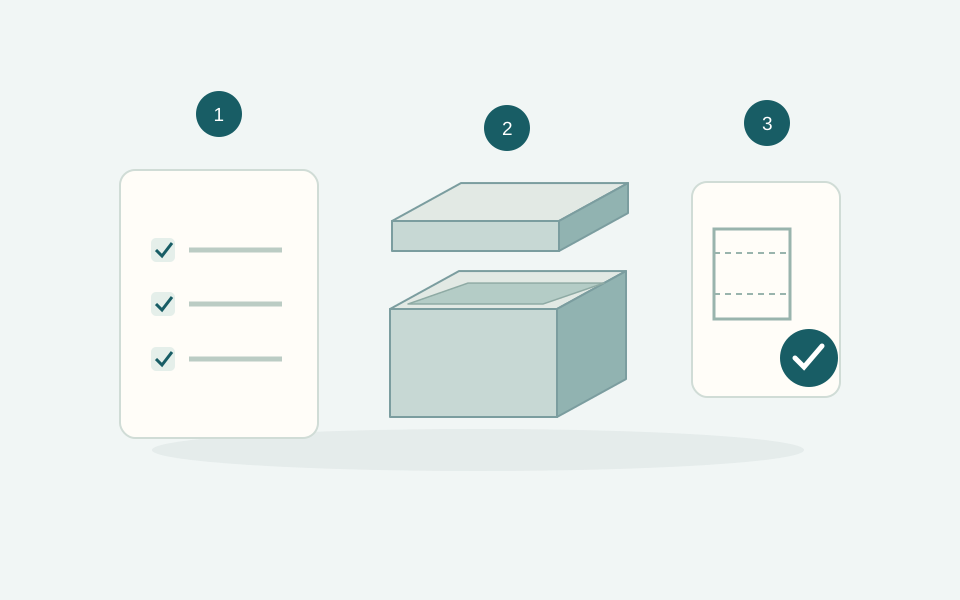
Configure internal dimensions and structure first, then paper and printing. If you need an insert, define the number, shape and location of the compartments using the complete products. The 3D view helps communicate the whole set; the technical drawing shows dimensions and the flat development.
For one product, start with base and lid; for a kit, a magnetic box; for printed paperboard packaging, folding cartons. Read how to measure before settling on a final size.
A physical sample checks the real project
A sample can help check proportions, product fit, grip, paper and the planned finishing process. Specify what it should include: structure, print, insert and any variants. Do not assume that a sample of one type automatically covers every version of the project.
Sample cost, shipping and any credit against a subsequent production run depend on the agreed terms. For variants with different products, specify which combinations need physical testing.
A digital proof approves a specific version
A digital proof lets you check text, logo, positioning, orientation and artwork version. It is not a physical colour or surface proof. Supply available vector files and use the correct dieline. A later change to dimensions, artwork or contents requires another check.
Before approval, check the identified file version and every relevant face. For a collection, variant names and logos must match the corresponding products. Our print file guide explains what to prepare.
The final confirmation checklist
- Final product and accessories, with verified dimensions.
- Quantity and variants clearly specified.
- Structure, paper, printing and insert match the project.
- Files and text checked in the version being approved.
- Price, VAT, shipping and timing read in the configuration or proposal.
- Delivery address and contact person available.
For folding cartons, the 10 working days of production run from artwork approval, with transport added separately. Keep one shared project version so purchasing and the people preparing the files work from the same information.